AI OUTFIT CHANGE
AI outfit changer: put reference clothes on a portrait
AI outfit changing is useful when you already have a portrait and a garment reference and want to visualize the combination quickly. The portrait guides the face, hair, pose, and background, while the garment image supplies the silhouette, colors, and key design details.
Designed for personal outfit previews, styling proposals, social content, and teams that need to validate a person-and-garment combination quickly.
START HERE
Choose the person and garment first
Both images are staged safely in this browser and restored in the existing outfit workspace after sign-in. Choosing files does not create a task or spend credits.
JPEG / PNG / WebP · 10 MB per image · Images stay in this browser and are restored after sign-in; they are not uploaded before confirmation
WHAT IT HELPS WITH
See the person-and-garment combination sooner
- Explore different clothes without arranging a new shoot
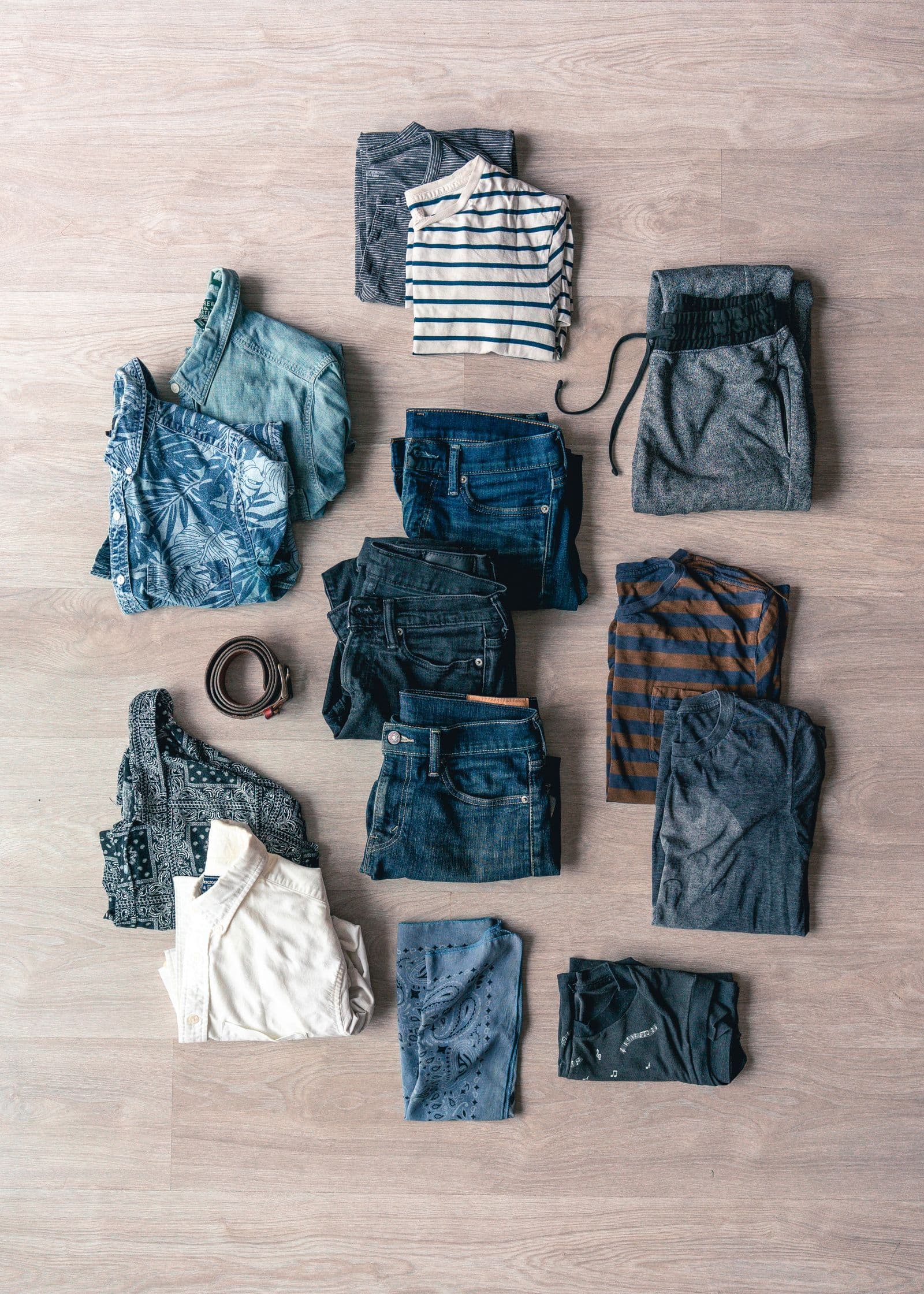
- Use flat lays, mannequin photos, or model-worn garments as references
- Preserve the main facial features, hairstyle, pose, and composition where possible
WORKFLOW
Start with two images
- 01
Prepare the portrait
Choose a clear single-person half-body or full-body photo with minimal obstruction.
- 02
Prepare the garment reference
Keep the neckline, sleeves, hem, and major patterns visible against a simple background.
- 03
Generate and review
Inspect the face, limbs, collar, cuffs, and textures. Replace unclear source images before retrying.
INPUT GUIDANCE
Clearer source images usually produce more stable results
Choose a stable portrait
Front-facing or slightly angled photos with even lighting and a complete body outline usually work best.
Show the garment clearly
Let the garment occupy most of the frame and avoid folds, extreme perspective, or heavy obstruction.
Use results responsibly
Generated images are visual previews and do not represent real sizing, drape, or fit.
LIMITATIONS
A generated image is not a real-world fit guarantee
Complex accessories, transparent materials, group photos, heavy obstruction, and extreme poses may reduce consistency. Obtain permission before using another person’s likeness or protected brand assets.
FAQ
What to know before you start
Will AI outfit changing alter the face?
The system prioritizes the main facial features, but generative processing can still introduce local changes.
Does the garment image need to be person-free?
No. Flat lays, mannequin photos, and model-worn references can all work when the garment is clear and complete.
Can I change several clothing items at once?
A clearly visible coordinated outfit can be used, while complex layering may produce more detail variation.
Have your portrait and garment images ready?
Choose both images on this page and they will be restored in the outfit workspace after sign-in.
Return to image selection