
WHAT IT HELPS WITH
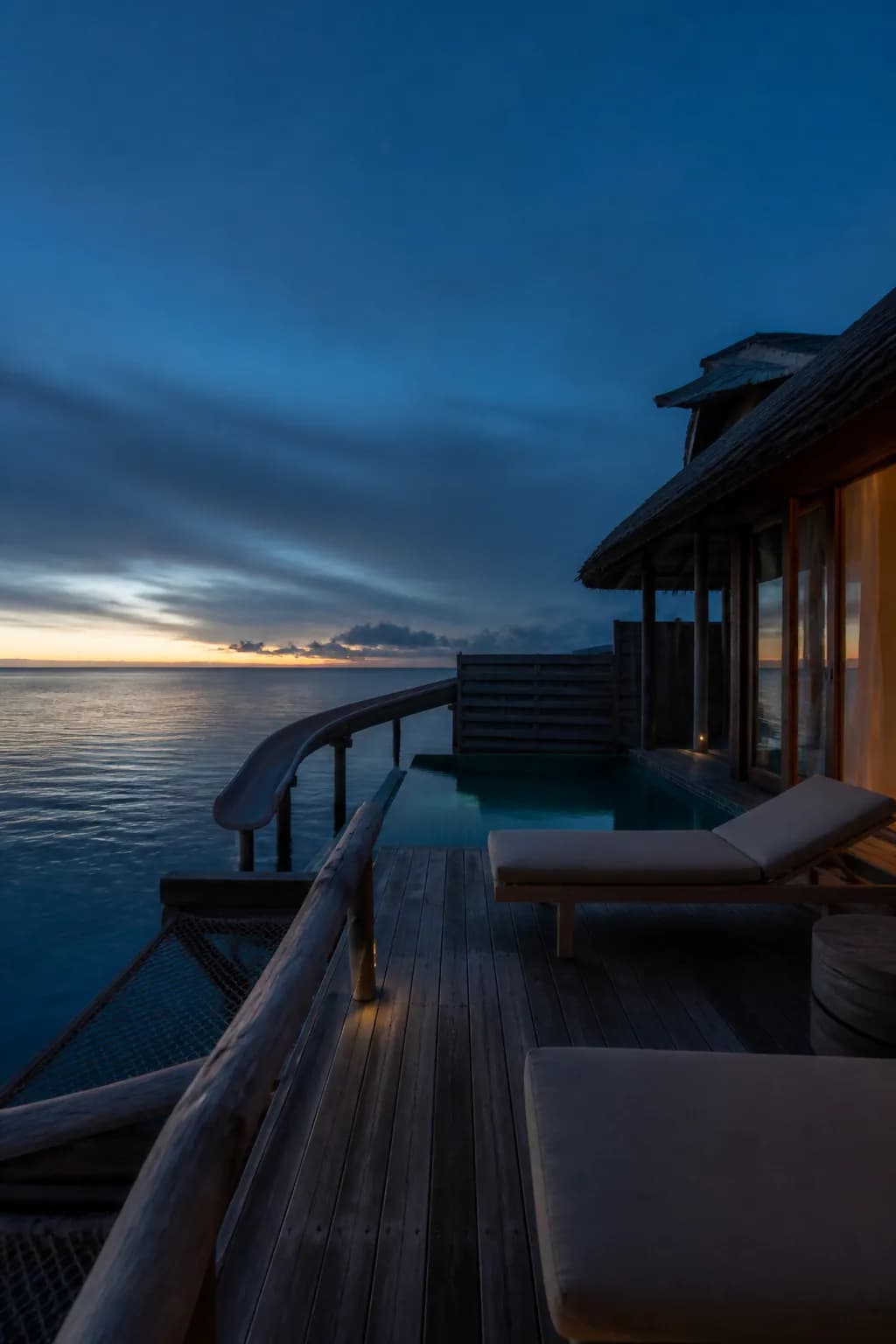
Organize a quiet island scene around blue hour
- Define blue hour through time, color temperature, and materials
- Break a water-villa scene into controllable spatial layers
- Reuse a tested prompt while changing composition and light
WORKFLOW
Adapt the tested water-villa template
- 01
Open the matching template
Choose Soneva Jani water-villa dawn from the travel collection in Recommended Templates.
- 02
Tune the blue hour
Adjust dawn brightness, interior warmth, water reflection, and camera height.
- 03
Review the boundary
Exclude people, brand text, and official-photo replication before confirming a task.
INPUT GUIDANCE
Balance shadow, material, and dawn light
Protect dark detail
Keep separation in the shadows instead of lifting the whole scene into daylight.
Name the materials
Timber, linen, water reflection, and humid air make the scene more believable.
Avoid brand confusion
Treat the location as inspiration and exclude logos and copied official compositions.
LIMITATIONS
Location inspiration is not official hotel content
The result is an AI-generated water-villa inspiration, not a Soneva Jani official photograph, hotel partnership, or real stay record.
FAQ
What to know before you start
Why is the image dark?
It is intentionally set before sunrise, where shadows and a thin dawn line define the mood.
Can I change it to daylight or sunset?
Yes. That creates a new derived input, and the baseline result is not a reproduction guarantee.
Can I attach my own island photo?
Yes, as an optional reference image, provided you have permission to use it.
Want to refine the water-villa prompt?
Open Chat and select it from the travel collection.
Open recommended templates