
WHAT IT HELPS WITH
Turn location features into an editable travel structure
- Turn public location characteristics into a reusable travel-photography prompt
- Use explicit lens, light, and material constraints to reduce drift
- Review an fulleen-tested result before adapting the prompt
WORKFLOW
Continue from the tested template
- 01
Open the recommended template
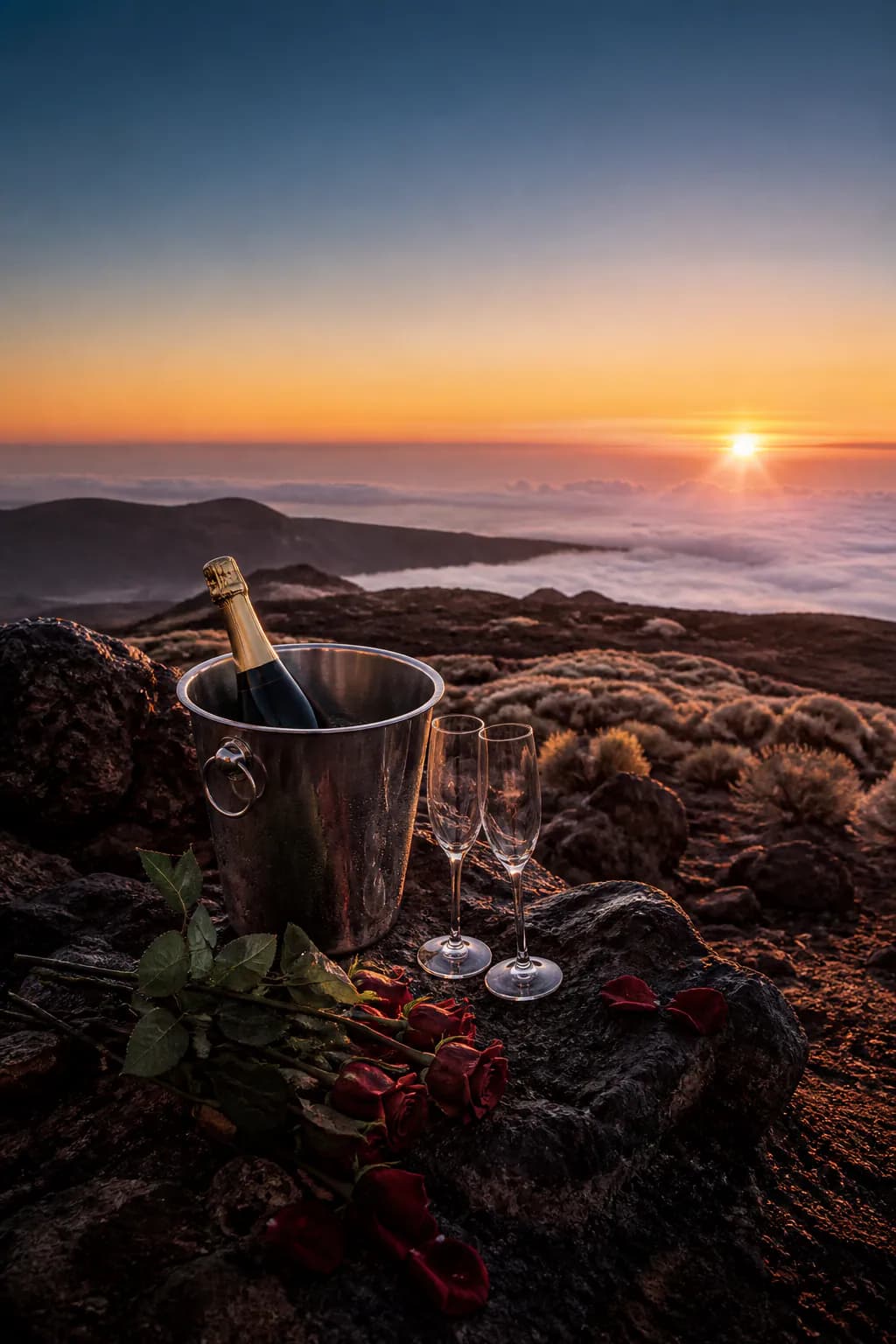
In Chat, open Recommended Templates and choose Teide cloud-sea sunset from the travel collection.
- 02
Adapt the scene
Keep the volcanic terrain, cloud sea, and sunset relationship while changing season, foreground, lens, or aspect ratio.
- 03
Review before generating
Browsing and editing are free; create a task only after reviewing the prompt and quote.
INPUT GUIDANCE
Define depth, light, and exclusions first
Build clear depth
Use basalt in the foreground, cloud sea in the middle, and sunset in the distance.
Keep the scene unoccupied
An empty scene emphasizes geology and avoids implying a real person’s travel.
State exclusions
Exclude people, logos, readable text, and relationship implications.
LIMITATIONS
Location inspiration is not itinerary evidence
This is an AI-generated location-inspired experiment, not evidence of a real visit, an official tourism image, or a partnership.
FAQ
What to know before you start
Is this a real photograph of Teide?
No. It is an AI travel-photography baseline inspired by public location characteristics.
Can I change the foreground?
Yes. The template stays editable, so you can replace foreground objects, time, and lens requirements.
Does selecting the template charge credits?
No. Billing starts only after you explicitly confirm a generation task.
Want to adapt the Teide sunset prompt?
Open Chat and find it in the travel collection under Recommended Templates.
Open recommended templates